








Is Your LaserShip Package LOST? This LaserShip Tracking Secret Trick Will Find It! [2026 Complete Guide]
9 Mins Read
Published on: 22 January 2025
Last Updated on: 14 February 2026
- What Is Lasership Tracking?
- About Lasership
- Why LaserShip Packages Seem “Lost” So Often?
- 1. Tracking Updates Lag Behind Reality
- 2. Last-Mile Handoff Confusion
- 3.“Delivered” Doesn’t Always Mean Delivered
- 4. Apartment & Gated Community Issues
- What to Do If LaserShip Says “Delivered” but You Have Nothing?
- Step 1: Wait 24 Hours
- Step 2: Check These Locations
- Step 3: Review Delivery Photo (If Available)
- Step 4: Contact the Retailer (Not LaserShip First)
- An Ultimate Guide For Lasership Parcel Tracking
- Method 1: Tracking Lasership Package Through Ontrac’s Official Website
- Method 2: Tracking Lasership Package Through Aftership’s Official Website
- Method 3: Tracking Lasership Package Through Lasership’s Official Website
- What Ways to Find the Lasership Tracking Number, and What Does It Look Like?
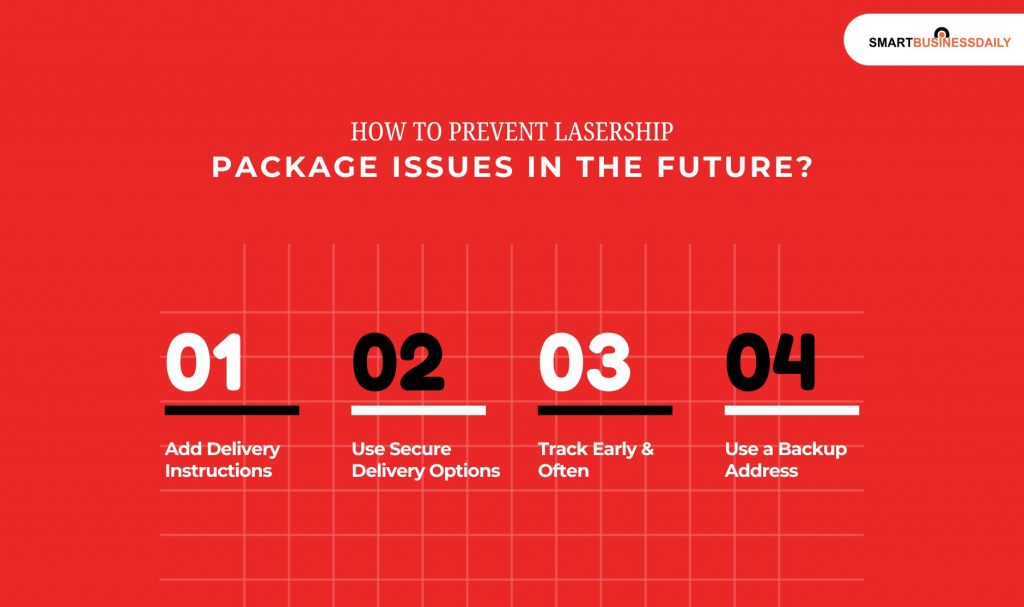
- How to Prevent LaserShip Package Issues in the Future?
- 1. Add Delivery Instructions
- 2. Use Secure Delivery Options
- 3. Track Early & Often
- 4. Use a Backup Address
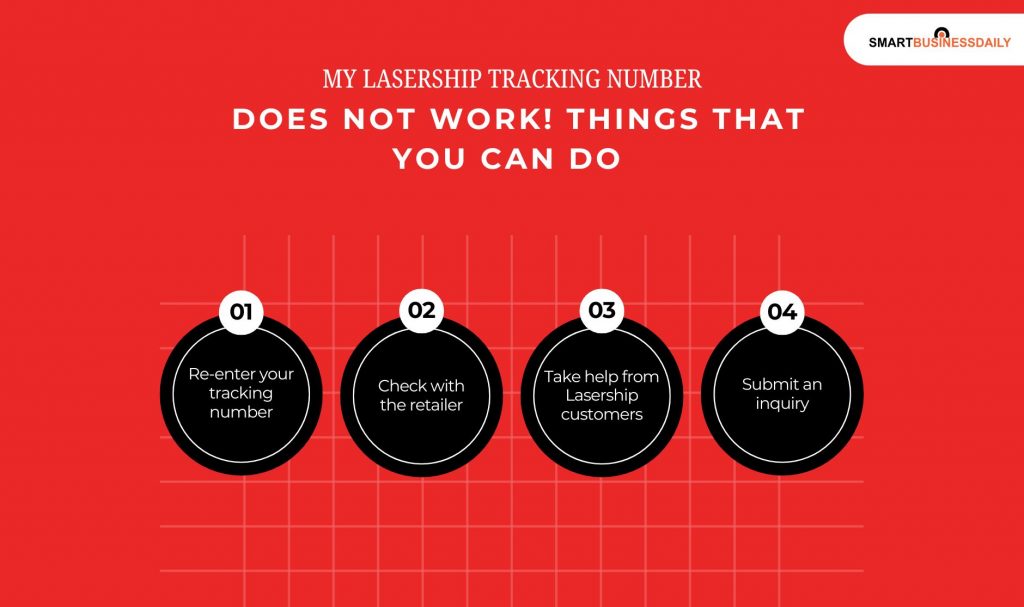
- My Lasership Tracking Number Does Not Work! Things That You Can Do
- Lasership Contact Information
- Is LaserShip Reliable in 2026?
- Strengths:
- Weaknesses:
- Overall Time It Takes To Deliver Lasership
- FAQs
- Don’t Panic Use the Tracking Trick
Waiting for a package can be stressful but nothing is more frustrating than seeing a delivery status that hasn’t changed for days or, worse, looks like your parcel has vanished. If you’re asking “Is my LaserShip package lost?”, you’re not alone.
As LaserShip (now operating under OnTrac + LaserShip after their merger) continues to handle millions of last-mile deliveries for major retailers, tracking issues still happen.
The good news? Most “lost” LaserShip packages aren’t actually lost. In this fully updated 2026 guide, you’ll learn the secret tracking tricks that actually work.
How LaserShip tracking really functions, what different statuses mean, and exactly what to do to recover your package or get a replacement fast.
What Is Lasership Tracking?
Lasership tracking is a service that allows customers to track down their packages sent by Lasership in real-time. This company is famous for being a shipping company that delivers packages, specifically in the eastern and midwestern regions of the United States.
About Lasership
Since its establishment in 1986, lasership has delivered a dynamic force to the delivery industry. They mostly covered the eastern and mid-western regions of the United States. The company is currently headquartered in Vienna, Virginia.
Lasership is famous for its fast, last-mile delivery for its regional delivery services. Their aim is simple! To ensure that your package has reached its destination correctly.
Additionally, Lasership is committed to excellence, whether just moving packages to help customers with their services. Lasership has been able to create an extensive network, It includes around 60 facilities and over 5000 independent contractors who are collaborating together to optimize delivery times and further customer satisfaction.
Why LaserShip Packages Seem “Lost” So Often?
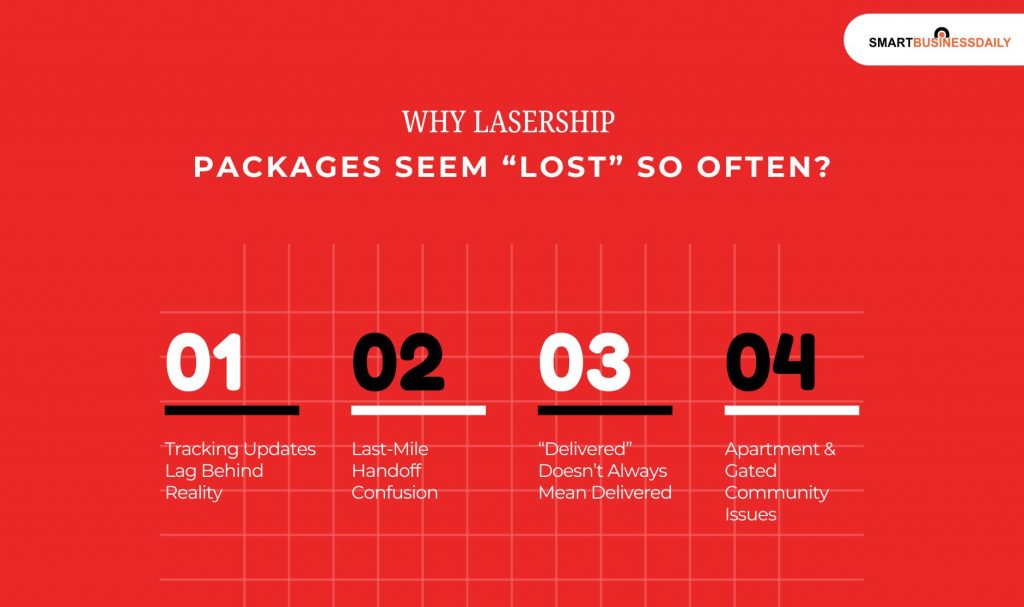
In many cases, the issue isn’t loss it’s limited tracking visibility. Here’s why LaserShip packages commonly appear missing:
1. Tracking Updates Lag Behind Reality
LaserShip tracking often updates in batches, not in real time. A package may already be moving while tracking still shows no activity.
2. Last-Mile Handoff Confusion
If another carrier hands off the package to LaserShip, tracking numbers may change or overlap, causing confusion.
3.“Delivered” Doesn’t Always Mean Delivered
LaserShip drivers sometimes scan packages as delivered:
- Before final drop-off
- When left with a building office or neighbor
- When GPS location is nearby but not exact
4. Apartment & Gated Community Issues
LaserShip relies heavily on access instructions. Missing gate codes or unclear addresses can cause delays or mis-deliveries.
What to Do If LaserShip Says “Delivered” but You Have Nothing?
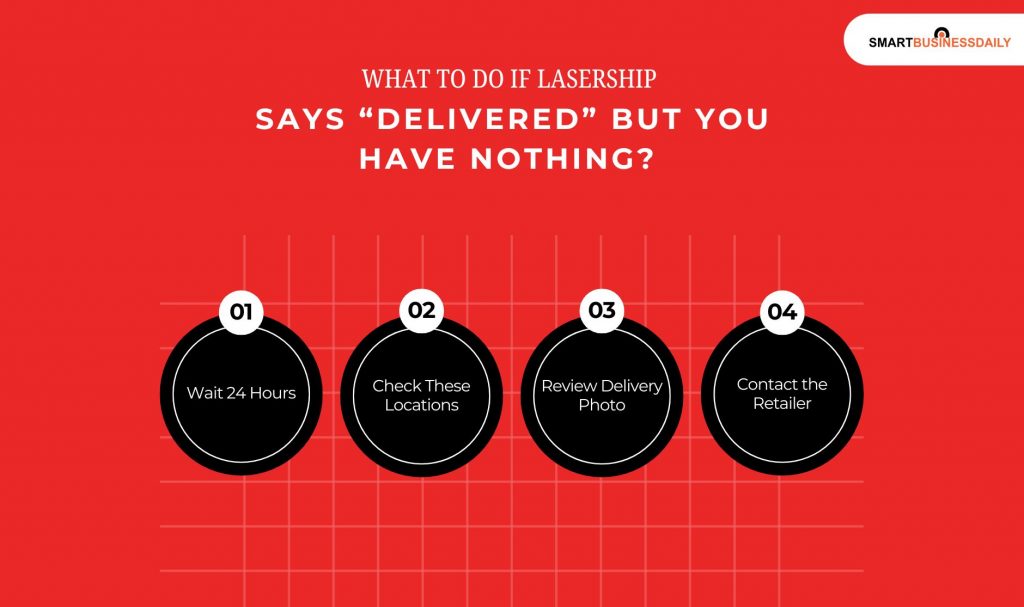
Follow this exact order:
Step 1: Wait 24 Hours
LaserShip drivers sometimes pre-scan packages. Many appear within a day.
Step 2: Check These Locations
- Apartment mailroom
- Leasing office
- Front desk or security
- Neighbor’s porch
- Side/back entrances
Step 3: Review Delivery Photo (If Available)
Some LaserShip deliveries include photos look closely for clues.
Step 4: Contact the Retailer (Not LaserShip First)
Retailers can:
- Access GPS scans
- Contact LaserShip internally
- Issue refunds or replacements faster
An Ultimate Guide For Lasership Parcel Tracking
We have learned that lasership provides last-mile delivery services to the regional areas of the US. They have specialized in providing fast as well as reliable shipping, especially when it comes to e-commerce business.
Here is a very detailed guide on how you can conduct lasership tracking for your parcels. Read on…
Method 1: Tracking Lasership Package Through Ontrac’s Official Website
Lasership and Ontrac have combined their operation, so you can easily track Lasership packages through the OnTrac website. Here’s how you can conduct OnTrac lasership tracking:
- First, you have to visit the new OnTrac website.
- Once the page appears, input your tracking number in the provided space.
- Then, you can click on “track your package” to begin the tracking process.
Method 2: Tracking Lasership Package Through Aftership’s Official Website
Aftership is known for being one of the best choices to track your Lasership package tracking. Here’s an easy guide for you to check out!
- First, you must visit the Aftership tracking page.
- Once the page opens, you can enter the tracking number in the designated field.
- After that, click on “track”. This will help you to initiate the tracking process.
- You just must wait for a second. Then, you can get all the updates and shipment information. This would include the exact location of your package, shipping history, and even the estimated delivery date.
Method 3: Tracking Lasership Package Through Lasership’s Official Website
To track a Lasership package on the official website, you can follow these steps:
- First, go to the lasership official tracking page.
- Then, try to find the “track your shipment” section.
- Once you find the section, enter your tracking number, shipment ID, PRO number, and order ID.
- Then, you can click on “track” or any similar button.
- And then view the latest shipment status.
What Ways to Find the Lasership Tracking Number, and What Does It Look Like?
Let’s say you have lost your Lasership tracking number or may not find it! So, how can you find your Lasership tracking number? I will tell you the simplest way…
You can check the shipping confirmation that you’ve received from the retailer. You can also find it from the sender of your package.
Lasership tracking number usually starts with “1LS”, “LS,” “LX,” or “BN.”
Suppose you don’t have any tracking number. In that scenario, contacting the retailer from where you purchased your product would be best for further information.
How to Prevent LaserShip Package Issues in the Future?
Here are a few ways you can prevent LaserShip Package issues in the future.
1. Add Delivery Instructions
Include:
- Gate codes
- Building numbers
- Landmarks
2. Use Secure Delivery Options
- Lockers
- Hold at retailer pickup points
- Signature-required delivery (when available)
3. Track Early & Often
The earlier you notice a tracking stall, the faster it’s resolved.
4. Use a Backup Address
If LaserShip struggles with your location, ship to:
- Work address
- Trusted neighbor
- Retail pickup location
My Lasership Tracking Number Does Not Work! Things That You Can Do
Are you facing issues with your lasership tracking number? Is it not working? Don’t worry! I have the cheat code for that as well.
- Re-enter your tracking number: Firstly, you must try re-entering the tracking number on the Lasership tracking page. You must ensure that you have entered the number correctly and there is no typographical error.
- Check with the retailer: If you do not have the tracking number with you or if it is not working, in that case, you can check with the person who has sent you the package. The tracking number should start with “1LS”, “LS,” “LX,” or “BN.”
- Take help from Lasership customers: If you are facing issues with the tracking number or if your package is delayed, in that case, you can always contact Lasership’s customer service.
- Submit an inquiry: Let’s say you’re package is marked as delivered, but you haven’t received it yet! Or maybe there are some issues with the delivery; in that case, you can submit an inquiry on the Lasership website. They will initiate the investigation and help you find the package’s whereabouts.
Lasership Contact Information
The customer service call center stays open year-round except for days such as New Year’s Day, Christmas, Thanksgiving, and July 4.
| Method of contact | Information | Operation hours |
|---|---|---|
| Headquarter | 912 Woodford Road, Vienna, VA 22182, United States | Mon.-Fri.: 8 am – 10 pm. Saturday: 8 am – 8 pm Sunday: 8 am – 5 pm |
| Phone number | +1 (804) 414-2590 +1 (800) 527-3764 | |
| Email support | cs-assist@lasership.com |
Is LaserShip Reliable in 2026?
LaserShip reliability has improved since merging with OnTrac, but experiences still vary by region.
Strengths:
- Fast last-mile delivery
- Weekend deliveries
- Cost-effective for retailers
Weaknesses:
- Limited customer-facing support
- Inconsistent tracking updates
- Apartment delivery challenges
Overall Time It Takes To Deliver Lasership
Regarding LaserShip delivery, the overall time it takes to get your package depends on a few key factors. LaserShip is a regional courier service that operates primarily on the East Coast and Midwest of the U.S., offering fast, reliable deliveries.
Usually, LaserShip tries to make deliveries within 1 to 2 business days, depending on how close you are. For local deliveries, it can often be as quick as the same day or the next day.
Delivery may take a little longer, up to 3 business days, if you are in a farther area. Still, the actual time will vary based on your location and the shipping service you have chosen.
The shipping time is also influenced by the time the package was sent. If your order is processed early, it will likely be shipped out the same day. Orders placed later might be processed the next day. Keep in mind that holidays or weather conditions can sometimes affect delivery times.
LaserShip offers to track so you can keep an eye on the progress of your package in real-time; this will help you stay updated on when you can expect your delivery. While the delivery times are relatively fast, it’s important to remember that delays can occasionally happen, depending on location and current shipping demand.
Quite simply, LaserShip delivers quickly—typically within 1 to 3 days—with a great emphasis on speedy and efficient service.
FAQs
Here are a few questions and queries that others have asked on the topic of LaserShip Tracking that you might find helpful at the same time.
LaserShip packages can remain “In Transit” for up to 4–5 business days without indicating a real issue, especially during peak seasons. If there’s no movement after 7 days, most retailers will open a lost-package investigation.
Tracking updates may pause due to:
• Facility backlogs
• Driver route reassignment
• System sync delays between LaserShip and the retailer
This does not automatically mean the package is lost.
Immediately contact the retailer, not LaserShip. Ask for:
• GPS delivery scan confirmation
• Delivery photo (if available) Retailers can escalate mis-deliveries and issue replacements faster.
No. LaserShip drivers generally do not call or text customers. Any delivery instructions must be added through the retailer’s order page.
Yes. LaserShip tracking is less granular than major national carriers. It prioritizes delivery speed over frequent scan updates.
Once marked delivered, LaserShip considers its job complete. In theft cases:
• File a claim with the retailer
• Check if the retailer offers porch theft protection
• Some credit cards offer purchase protection for stolen deliveries
Generally no. Most LaserShip deliveries are contactless. Signature requirements depend on the retailer not LaserShip.
In most cases, no. Address changes must be handled through the retailer and may delay delivery or trigger a return.
This usually indicates:
• No access to the building
• Incorrect address
• Unsafe delivery conditions LaserShip may attempt redelivery the next business day.
LaserShip does not offer customer-facing insurance. Any coverage depends on the retailer’s shipping policy.
Retailers use LaserShip because it offers:
• Faster last-mile delivery
• Lower costs
• Weekend coverage
While tracking issues exist, delivery success rates remain high overall.
Some retailers allow you to:
• Choose pickup instead of delivery
• Use lockers
• Set delivery preferences
However, most retailers do not let customers select the carrier.
Don’t Panic Use the Tracking Trick
If your LaserShip package seems lost in 2026, don’t assume the worst. Use the GPS scan + retailer cross-tracking trick, contact the seller not the carrier and follow the correct escalation steps.
Most LaserShip “lost” packages are found, replaced, or refunded within days when handled correctly.
READ MORE:




Related Articles



Comments Are Closed For This Article