








How To Successfully Go Through The Amazon Vine Login?
20 March 2026
5 Mins Read
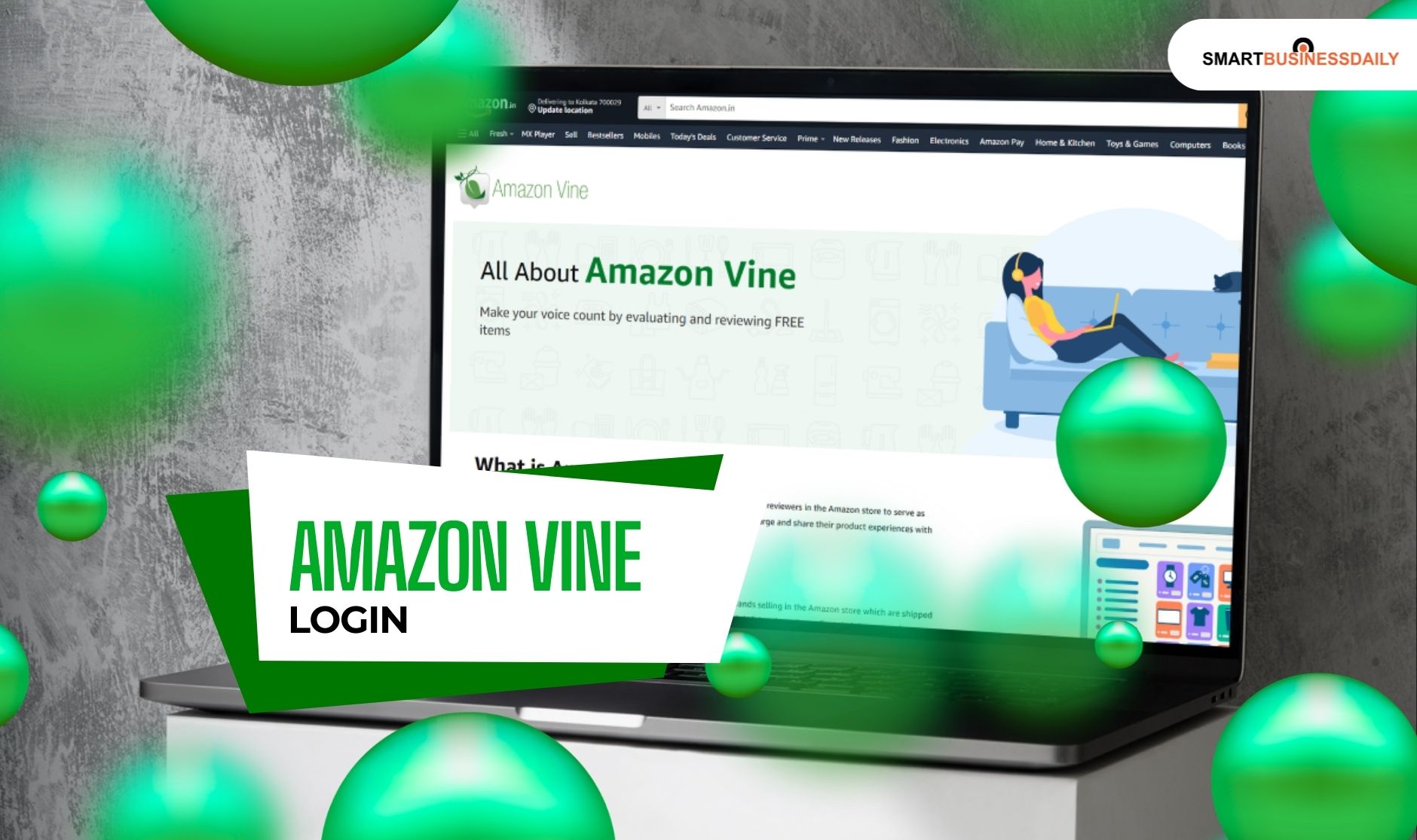
- What Is Amazon Vine Login And How Does It Work?
- Reviewers vs Sellers: Two Sides of the Program
- Understanding “Amazon Vine Login”
- Who Can Access The Amazon Vine Login?
- Reviewers:
- Sellers:
- Step-by-Step Guide to Amazon Vine Login
- 1. For Reviewers
- 2. For Sellers
- What Are The Requirements for Accessing The Amazon Vine Login?
- 1. Reviewer Eligibility
- 2. Seller Eligibility
- What Are The Common Amazon Vine Login Problems?
- 1. Wrong Account:
- 2. Ineligibility:
- 3. Technical Glitches:
- What Are Some Solutions For An Effective Amazon Vine Login?
- The Methodology For An Efficient Amazon Vine Login Explained
The world of online shopping thrives on trust.
If you have ever hovered over the “Buy Now” button on Amazon, you likely scrolled down to check the reviews first.
This is where the Amazon Vine program comes into play.
It is a prestigious, invitation-only circle. Additionally, it connects the most trusted reviewers with brands looking for honest feedback.
One of my friends is a seasoned reviewer. Also, she is hoping to get that golden invitation. So, I suggested this to her.
But even if you are a seller looking to boost your product visibility, I would suggest that you understand the Amazon Vine login process.
Regardless of your position, this is your first step.
Additionally, I would like to mention that it is not just about entering a password.
Rather, it is about accessing a portal. It influences millions of purchasing decisions worldwide.
In this guide, I will walk you through everything you need to know about accessing this exclusive dashboard in 202.
What Is Amazon Vine Login And How Does It Work?
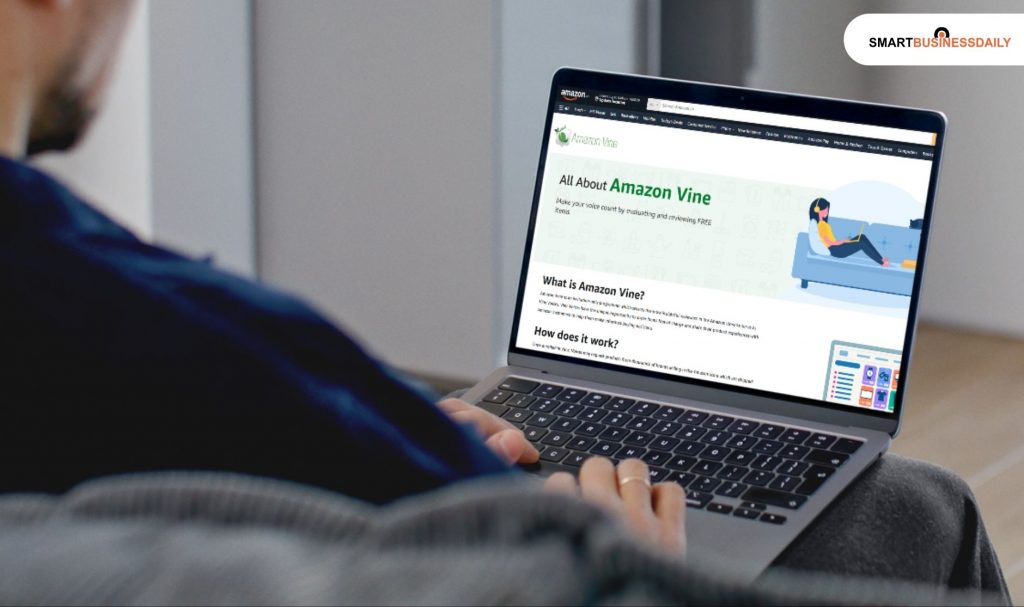
Before we dive into the technical side of logging in, we need to clarify what this program actually does.
I often see people confusing Vine with standard incentivized reviews, but they are very different.
Amazon Vine is an elite program where Amazon invites the most helpful reviewers on its platform to become “Vine Voices”.
These individuals receive products for free in exchange for their unbiased, honest opinions.
The core purpose is simple. It provides early product reviews and trustworthy feedback for shoppers who are wary of “fake” reviews.
Because Amazon itself manages the distribution, the integrity of the feedback remains high.
Reviewers vs Sellers: Two Sides of the Program
Two distinct groups interact with the Vine portal.
Reviewers: These are the “Vine Voices”. They are invited based on the consistent quality and helpfulness of their previous reviews. They do not pay for the items they test.
Sellers: These are brand owners who enroll their products through Seller Central. They provide the inventory to get the ball rolling on new or low-review items.
Understanding “Amazon Vine Login”
One of the biggest misconceptions I encounter is the idea that you need to sign up for a brand-new account to use Vine. That is not the case at all.
The Amazon Vine login is not a separate set of credentials. It uses your regular Amazon account information.
When you “log in” to Vine, you are simply using your existing email and password to access a restricted dashboard that is hidden from the general public.
Who Can Access The Amazon Vine Login?
Access is strictly gated. Therefore, you need to be completely aware if you can access it. If yes, then how:
Reviewers:
Only those who have received and accepted an official invitation from Amazon can see the Vine portal.
Therefore, if you have not been invited, there’s no chance you can get it.
Rather, the URL will likely redirect you to a standard Amazon landing page.
Sellers:
Sellers must log into their Amazon Seller Central account.
From there, they can access the Vine section. But they must meet the specific brand registry requirements.
Step-by-Step Guide to Amazon Vine Login
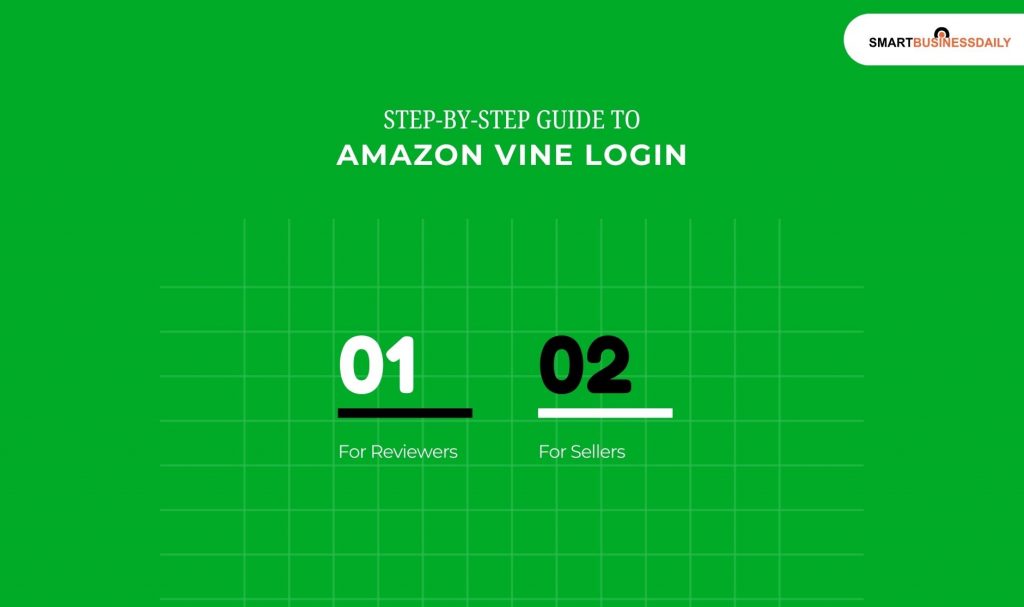
Navigating the login process should be seamless if you are already an active part of the Amazon ecosystem. Here is how you do it for both roles.
1. For Reviewers
If you have been lucky enough to join the ranks of Vine Voices, follow these steps.
- Go to your local Amazon website, such as amazon.com or amazon.co.uk.
- Enter your regular Amazon account credentials. This includes your email or phone number. Also, you have to add your password.
- Now, you will be able to navigate to the specific Vine portal link. This link is usually provided in your invitation email.
Or, it becomes visible in your account settings once you are active.
- Once inside, you can access your Vine dashboard to view available products. Then, you can track your review history.
2. For Sellers
Sellers have a slightly different path through the backend of the site.
- Sign in to your Amazon Seller Central account using your professional credentials.
- Once on the home screen, hover over the Advertising tab in the main navigation menu.
- Click on the Vine option from the dropdown list.
- This takes you to the Vine dashboard, where you can enroll eligible products for reviews.
What Are The Requirements for Accessing The Amazon Vine Login?
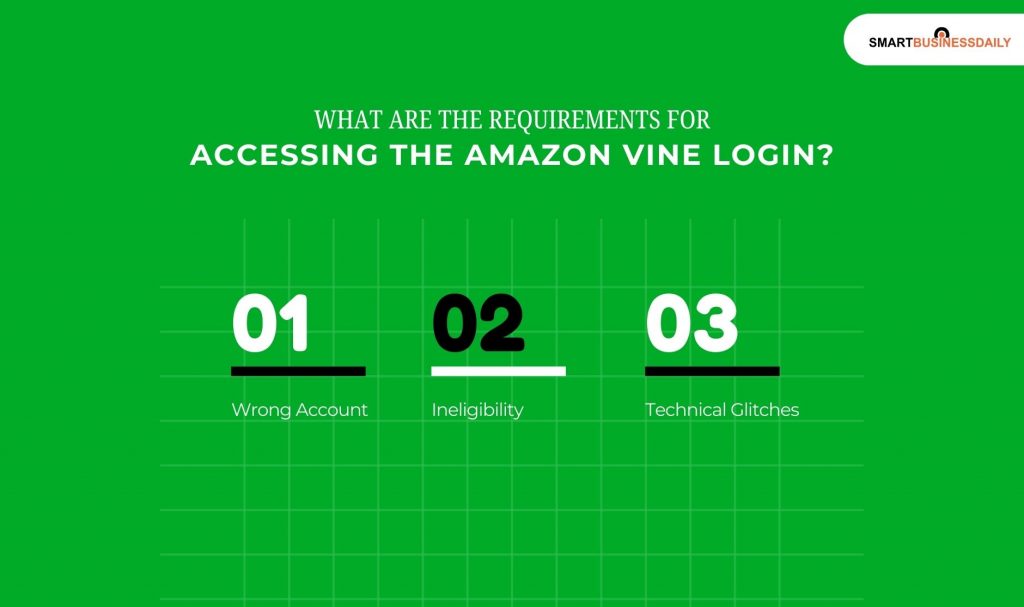
You cannot simply “join” Vine by clicking a button. There are specific hurdles you must clear first.
1. Reviewer Eligibility
The most important thing to know is that there is no public sign-up form.
There is a sort of access that you get from an invitation-only. You must receive an official invitation directly from Amazon.
Additionally, there is also access if you have a prominent review history.
Amazon looks for reviewers who provide detailed, objective, and helpful insights on their past purchases.
2. Seller Eligibility
For sellers, the requirements are more technical.
- You must have a Professional selling plan.
- Your brand must be registered in the Amazon Brand Registry.
- The product you want to enroll must have fewer than 30 reviews.
- The item must be FBA (Fulfillment by Amazon) inventory.
What Are The Common Amazon Vine Login Problems?
Even the best systems have hiccups. If you are struggling to get into the portal, here is what might be happening.
1. Wrong Account:
Many people have separate personal and business accounts. If your invitation was sent to your personal email, you must use those specific credentials.
2. Ineligibility:
If the Vine tab is not visible, it usually means your account is not currently eligible, or your invitation has lapsed.
3. Technical Glitches:
Sometimes the dashboard fails to load because of old browser data.
What Are Some Solutions For An Effective Amazon Vine Login?
- Log out completely and log back in with the correct credentials.
- Clear your browser cache and cookies, or try using an incognito window.
- Double-check your email to ensure you have formally accepted the official Amazon invitation.
The Methodology For An Efficient Amazon Vine Login Explained
A simple Amazon Vine login and enrollment process helps brand-registered sellers quickly get honest, high-quality reviews for new or under-reviewed products.
Sellers can access the Vine portal through Amazon Seller Central and submit up to 30 units per ASIN to selected “Vine Voices” in exchange for detailed feedback.
This usually increases product conversion rates within a few weeks.
Vine reviews often show a special badge that says “Vine Customer Review of Free Product,” which gives potential buyers more trust in the reviews.




Related Articles


Comments Are Closed For This Article