








Google Block Breaker Game: Tips, Tricks And Secrets To Beat Every Level
20 March 2026
7 Mins Read
- What Is Google Block Breaker All About As A Game?
- What Is The Historical Background Of The Google Block Breaker Game?
- What Are The Different Stages Of The Google Block Breaker Retro Game?
- 1. Pacing And Level Structure
- 2. Power-ups And Special Blocks
- 3. Lives, Fails, And Difficulty Curve
- 4. Scoring System And Multipliers
- 5. Platforms, Access, And Controls
- What Are The Gameplay Basics And Control Required To Play Google Block Breaker?
- 1. Basic Rules
- 2. Keyboard, Mouse, And Touch Controls
- 3. Reading The Ball And Planning Angles
- What Are Some Advanced Strategies To Beat Higher Levels?
- 1. Aim For Corners
- 2. Create Continuous Ball Loops
- 3. Master Multi-Ball Situations
- 4. Learn Block Patterns
- 1. Connection To Classic Arcade Games
- 3. Special Gameplay Variations
- Where You Can Play Google Block Breaker?
- The Dynamics Of Google Block Breaker Explained
As I have mentioned a lot of times before, I LOVE playing games. Not just rookie games, the hardcore ones too.
But as I grew up professionally, I didn’t have that ample amount of time to play an entire game to unwind.
What to do? Then, I discovered certain small, casual games that I could play for a few minutes and calm my nerves.
These are such a blessing for me!
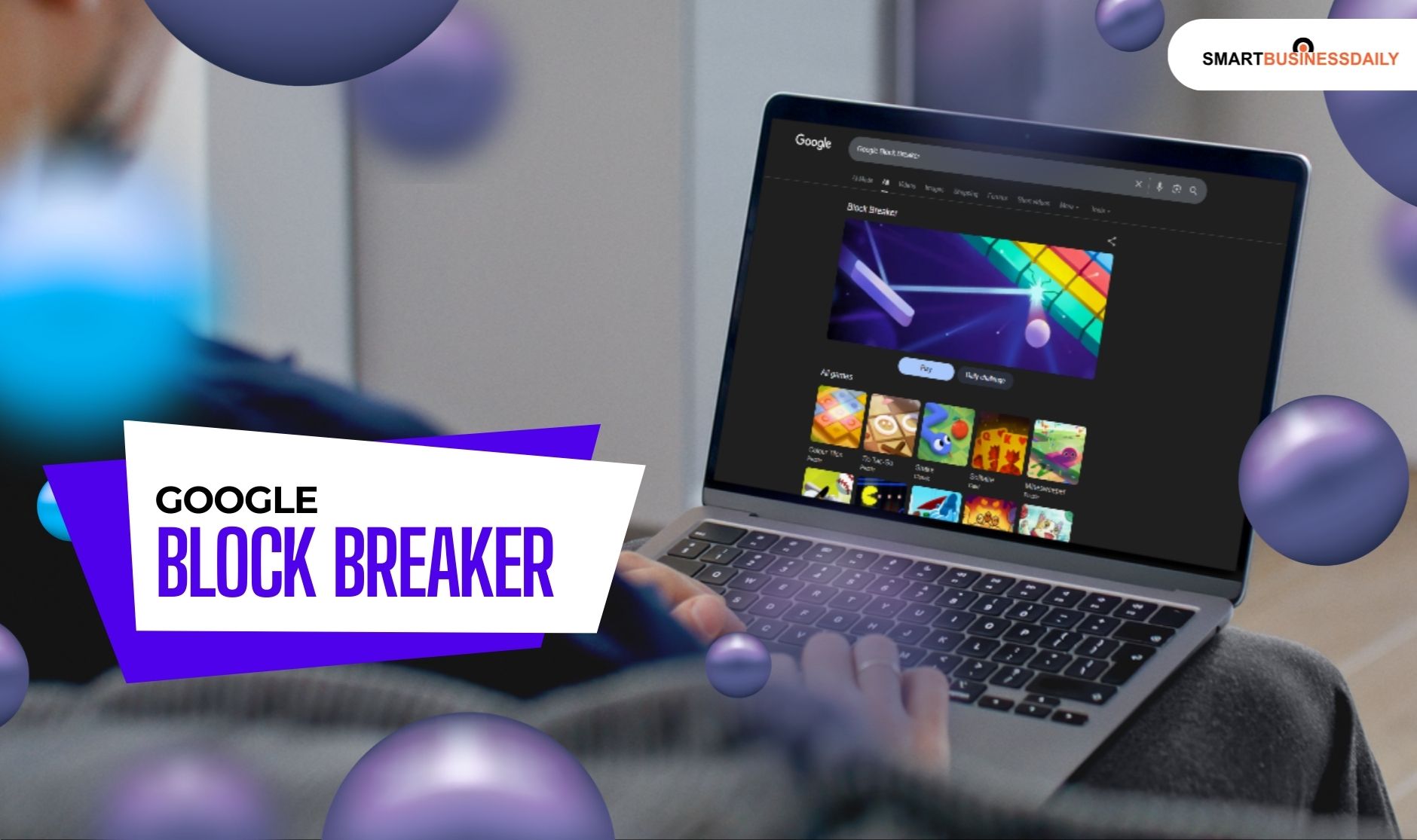
Today, I will talk about one such game. It is called the Google block breaker. It is one of those games that are very simple yet highly addictive.
Also, one of the features of this game that I really like is that I can play it anywhere, at any time.
So, in this article, I will walk you through the complete dynamics of Google Block Breaker and its features.
What Is Google Block Breaker All About As A Game?
Google Block Breaker is a simple, fun game.
It allows you to play quickly without needing to download or set up anything complicated.
You can find it as a hidden Google Easter egg or in various third-party versions, and players enjoy hours of entertainment from its straightforward gameplay and nostalgic feel.
The game mechanics are easy to understand: move a paddle, bounce a ball, break blocks, and keep going until you finish the stage.
Its simple design attracts casual players, students, and anyone looking for a quick distraction.
What Is The Historical Background Of The Google Block Breaker Game?
The block breaker game style dates back to the late 1970s, starting with Atari’s Breakout.
These games quickly became popular in arcades because they required both quick reflexes and puzzle-solving skills.
While Block Breaker may not be an official Google product like Google Snake or Doodle Games, it has a place in the casual gaming community.
What Are The Different Stages Of The Google Block Breaker Retro Game?
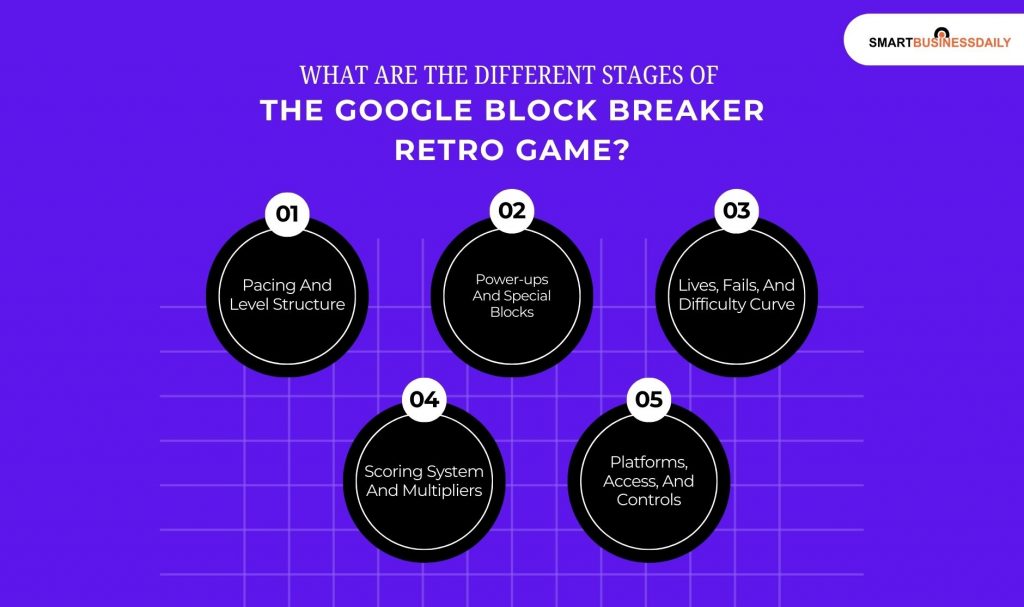
Now, I will take you through the stages of this popular retro game, one by one.
Well, I called them stages because I couldn’t find a better word for them. Maybe elements? Let’s decide as we get to know:
1. Pacing And Level Structure
Okay, so the game starts with multiple flat rows of blocks, which are quite simple, don’t worry.
But, as the game moves forward, it slowly adds tricky layouts to the rows. Also, you will find that there are tougher bricks and gaps to fill.
As you go on, you will find out that a few stages later, there are moving bricks and tight spaces that are trapping the ball.
In addition, you will also have to deal with narrow angles. Getting tougher, right?
In fact, all the later layouts can also add blocked zones. This way, you have to plan your revbounds again. You cannot just chase the ball blindly.
2. Power-ups And Special Blocks
Many versions of Google Block Breaker include power-ups that appear as small icons when you break bricks.
Some of these make your paddle longer, spawn extra balls, slow down time, or turn the ball into a heavy shot that can drill through blocks.
Some icons can shrink the paddle or speed up the ball, so you need to react quickly.
Understanding which icons help or hurt your game is key to progressing at higher levels.
Some hosts hide small level skips or continue options behind ads or share buttons, which can tempt players to rush instead of learning how to move and time their shots correctly.
3. Lives, Fails, And Difficulty Curve
You usually start with a limited number of lives. Each time the ball slips past your paddle, you lose a life and have to restart that level.
Early rounds give you plenty of room for mistakes, but later rounds have tighter gaps where one wrong move can cost you quickly.
Some versions let you gain extra lives by reaching score milestones or catching specific icons.
But the game often doesn’t explain this well, so many players miss this chance.
4. Scoring System And Multipliers
In Google Block Breaker, your score mainly comes from breaking blocks. But the points can vary based on:
- Color
- Row
- Brick Type
Higher rows or glowing bricks often give more points.
Additionally, I have also seen that some versions provide combo rewards.
All you need to do is just keep the ball active without missing for a long time.
Others offer bonus points for completing a level quickly. Knowing which layouts give the most points helps you choose safer shots without wasting attempts on low-value bricks.
5. Platforms, Access, And Controls
You can play Google Block Breaker in a modern browser on desktop or mobile.
Most versions load in one tab and use simple controls: mouse movement, arrow keys, or touch dragging to move the paddle left and right.
There’s no lengthy signup process in many hosts, so you can jump in during a short break and close the tab when you’re done playing a round or two.
What Are The Gameplay Basics And Control Required To Play Google Block Breaker?
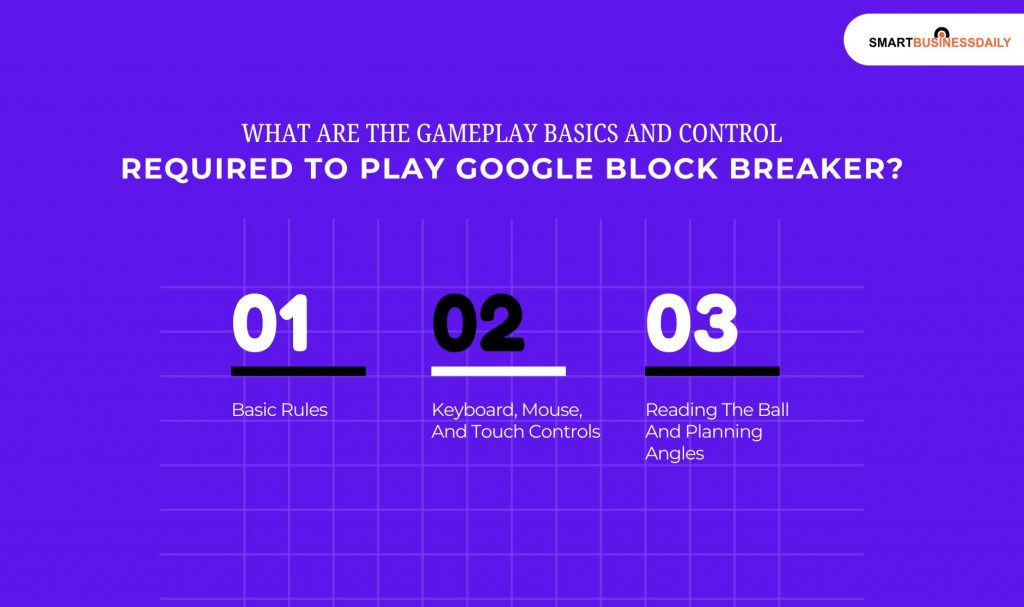
In this section, I will explain all the rules and regulations you need to understand to play this game.
Additionally, I will also tell you about the gameplay basics. In fact, I will also point out the controls you need.
1. Basic Rules
Here, you must move the paddle. This will keep the ball bouncing.
Your goal is to break all the visible blocks on the screen. A level ends when you clear all the bricks or run out of lives.
You earn points mainly by breaking bricks and sometimes by catching helpful icons.
2. Keyboard, Mouse, And Touch Controls
On a desktop, you can usually move the paddle using the arrow keys or by sliding the mouse left and right.
Click or press space to launch the ball. On mobile, drag your finger along the bottom of the screen to move the paddle.
Sensitivity can vary by site, so try small movements first. Some sites also let you use the A and D keys for smoother paddle motion.
3. Reading The Ball And Planning Angles
A key skill is predicting where the ball will go next. Watch the last surface the ball touched and imagine its mirror angle.
Hitting the ball at the center of the paddle sends it straight. Hitting it near the edge creates sharp angles.
Use these edges to hit high side bricks and keep the ball from just going in boring loops.
What Are Some Advanced Strategies To Beat Higher Levels?
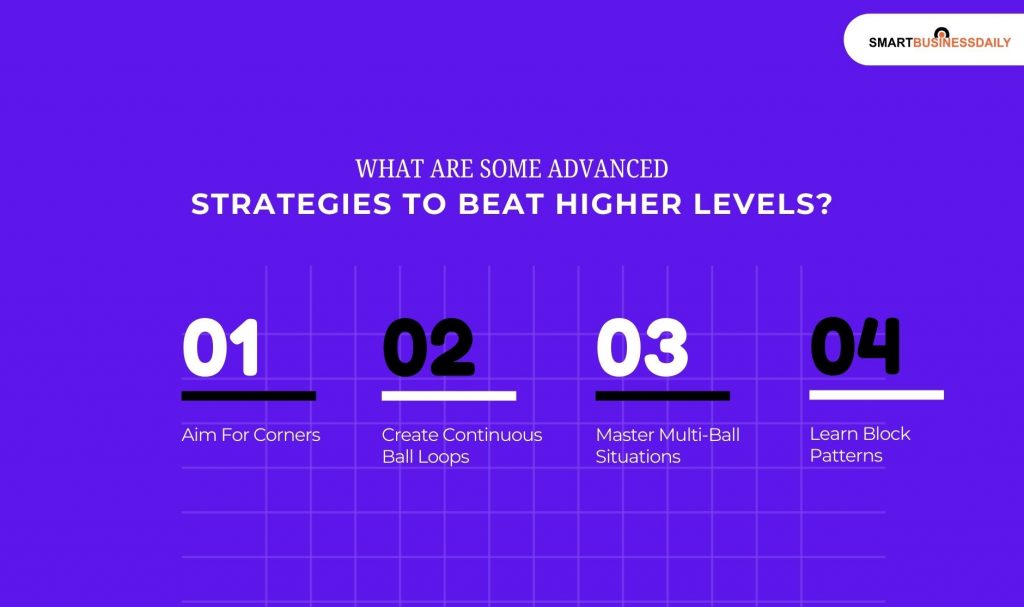
You can use these strategies to actually level up and play this game to win.
1. Aim For Corners
When you reach the higher stages, the layouts become quite tight.
I have found that aiming for the corners is the most effective way to clear the board.
Corner shots create better angles for unpredictable chain reactions that can clear multiple blocks in a single flight.
2. Create Continuous Ball Loops
The most skilled players look for loops.
This happens when you find an angle that allows the ball to trap itself above the blocks.
By keeping the ball in this upper zone, you maximize destruction with zero risk to your paddle.
3. Master Multi-Ball Situations
When you trigger a multi-ball power-up, things get chaotic. The secret is to prioritize.
You do not need to save every ball. Track the most dangerous ball. This is the one that is closest to the bottom.
Then, you can also let the others go if you have to.
I would suggest that you keep at least one ball in play. That is your only priority.
4. Learn Block Patterns
After playing for a while, you will notice that certain levels repeat their layouts.
Recognizing these patterns helps you plan your opening shots.
You will know exactly which side of the wall is the weak point before the ball even leaves the paddle.
What Are Some Hidden Secrets In Google Block Breaker?
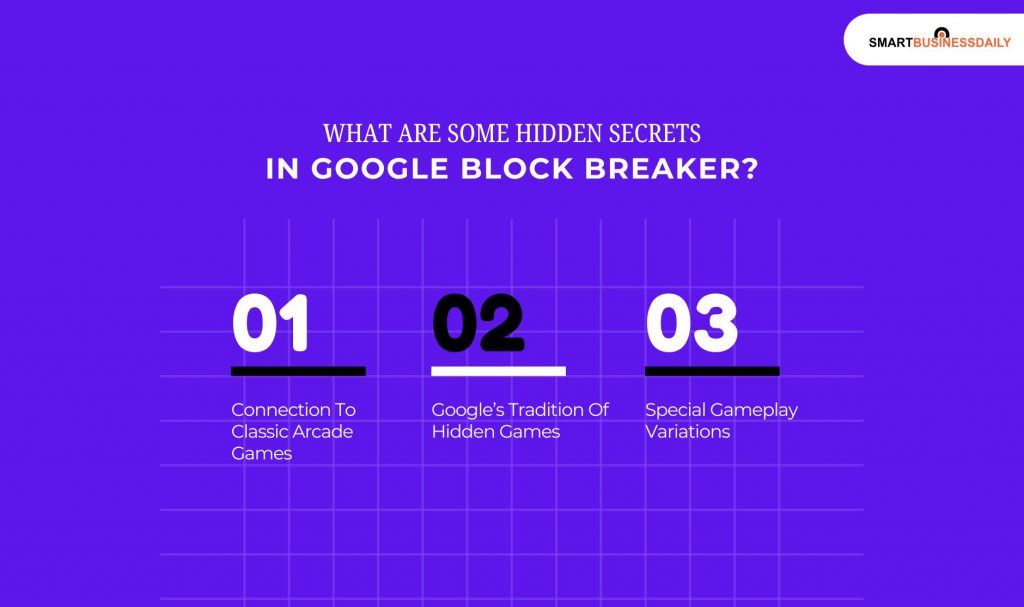
1. Connection To Classic Arcade Games
This game is a digital tribute. The gameplay concept is a direct nod to the early 1970s and 80s arcade era.
If you look closely at some of the level designs, they often mimic the original stages found in Atari Breakout.
2. Google’s Tradition Of Hidden Games
Google has a long history of hiding interactive Easter eggs in its search results.
From the Dino Run game, when your internet is down to the seasonal Doodles, Block Breaker is part of a larger tradition of making the web a more playful place.
3. Special Gameplay Variations
Depending on where you access the game, you might find unique layouts.
Some versions include special bonus challenges or boss blocks that require five or ten hits to break.
Always be on the lookout for these variations as they often contain hidden score bonuses.
Where You Can Play Google Block Breaker?
You can find this game in several places online.
The most common way is directly through browser-based gaming sites or by searching Google’s doodle archives.
It is also widely available on various HTML5 gaming platforms that host free browser games.
The Dynamics Of Google Block Breaker Explained
Google Block Breaker is a fun game that blends modern and classic elements.
It updates the original Breakout game from Atari with new visuals, sound effects, and unique power-ups, while still keeping the core gameplay engaging.
If you want a casual and enjoyable gaming experience that you can play in your browser, try Google Block Breaker.
Its mix of nostalgia and challenge makes it a classic among casual games.




Related Articles

Comments Are Closed For This Article