







What Is A Sublimation Printer? The Complete Guide To Gas-Infusion Printing
31 August 2026
5 Mins Read
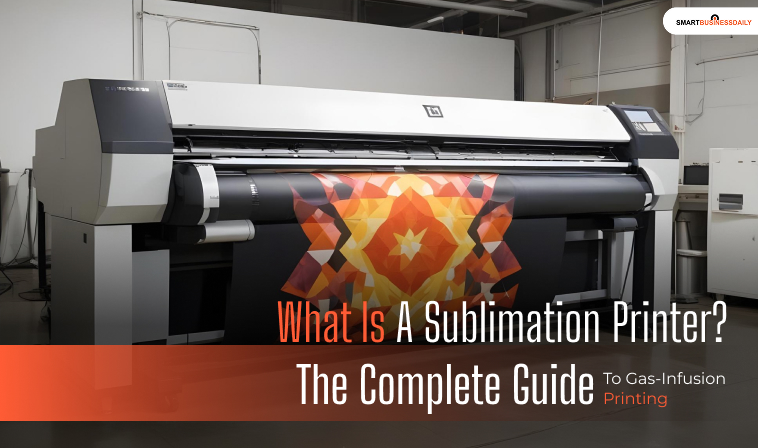
- The Technical Deep-Dive: The Sublimation Process
- Stage 1: Digital Precision Imaging
- Stage 2: Molecular Heat Fusion
- Stage 3: Final Molecular Bonding
- Converted Ecotanks Vs. Purpose-Built Systems
- 1. The Conversion Workaround
- 2. Purpose-Built Systems
- Substrate Restrictions: The Polyester And White Blank Rules
- 1. The Chemical Rule (100% Polyester)
- 2. The Coating Rule (Rigid Blanks)
- 3. The Color Rule (Light Bases Only)
- Advanced Rip Micro-Adjustments: Managing Outgassing And Ghosting
- Eliminating Image Ghosting
- Preventing Moisture Outgassing
- What Is A Sublimination Printer And Its Functionality Explained
Traditional computer printers deposit liquid ink droplets or melt dry toner powder directly onto a page.
Additionally, if you have used any of these methods, you will know that they create a surface-level film layer.
Also, this particular layer can crack, scratch, or peel away over time.
To achieve permanent, commercial-grade results on apparel and merchandise, industries rely on a specialized digital device.
But what is a sublimation printer?
A sublimation printer is a specialized digital imaging machine designed to work exclusively with heat-reactive dye inks.
Moreover, it uses clay-coated transfer papers.
Instead of laying ink on top of a surface, this technology leverages a unique chemical transformation.
Under intense heat and physical pressure, the ink transitions directly from solid to gas.
Therefore, it completely skips the liquid phase entirely.
This gas expands and diffuses into the surrounding polymer fibers, forming a permanent, smooth molecular bond.
Additionally, if you want to know how to set up a printer or the different types of printer in computer, check out the attached detailed guides.
The Technical Deep-Dive: The Sublimation Process
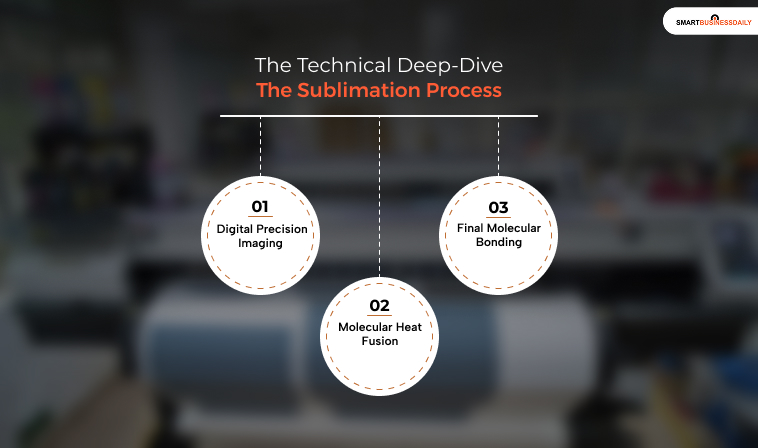
A sublimation printer does not apply designs directly to your final product.
Instead, it functions as the first critical step in a dual-stage digital decoration pipeline:
Stage 1: Digital Precision Imaging
First, the user creates an artwork file and mirrors the image horizontally inside their graphic software.
Additionally, the sublimation printer then deposits heat-reactive dye onto specialized sublimation transfer paper.
This transfer paper features a micro-porous clay coating designed to hold the ink without absorbing it.
Moreover, this keeps the colors suspended as a dry solid.
Stage 2: Molecular Heat Fusion
Next, the operator places the printed transfer sheet face down against the target object and seals it inside a mechanical heat press.
The machine applies high temperatures. This typically stays between 175°C and 205°C.
Also, it applies heavy physical pressure for a specific duration.
This specific environment triggers two simultaneous events:
- Dye Volatilization: The solid ink particles instantly flash-vaporize into a highly reactive gas cloud.
- Polymer Expansion: The intense heat causes the polymer or polyester molecules of your target object to expand, opening up microscopic structural pores.
Stage 3: Final Molecular Bonding
The pressurized gas cloud rushes into these open polymer gaps, permeating the material thoroughly.
The moment the heat press lifts, the temperature drops rapidly.
This cooling causes the polymer pores to slam shut, trapping the gas as it transitions back into a solid dye crystal.
Because the image is now embedded within the material’s chemical structure, the finished graphic can never crack, peel, chip, or fade during washing.
Converted Ecotanks Vs. Purpose-Built Systems
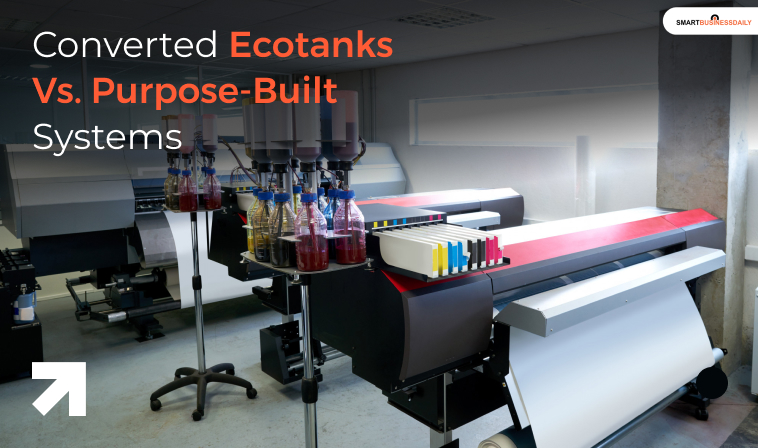
Entrepreneurs looking to start a custom printing business generally choose between two distinct investment models:
1. The Conversion Workaround
Because desktop sublimation relies on piezoelectric print heads to project ink without heat, users often buy low-cost consumer photo printers and fill them with third-party sublimation dyes right out of the box.
While this hack drastically slashes your entry costs, it instantly voids the manufacturer’s warranty.
Furthermore, it requires tedious, manual trial-and-error adjustments to fix color inaccuracies.
2. Purpose-Built Systems
Conversely, purpose-built systems are engineered explicitly for sublimation from the ground up.
These devices feature sealed ink tracks, built-in automated maintenance software, and factory-calibrated ICC profiles.
Although they require a higher initial investment, they deliver turnkey consistency that saves busy print shops from costly material waste.
Substrate Restrictions: The Polyester And White Blank Rules
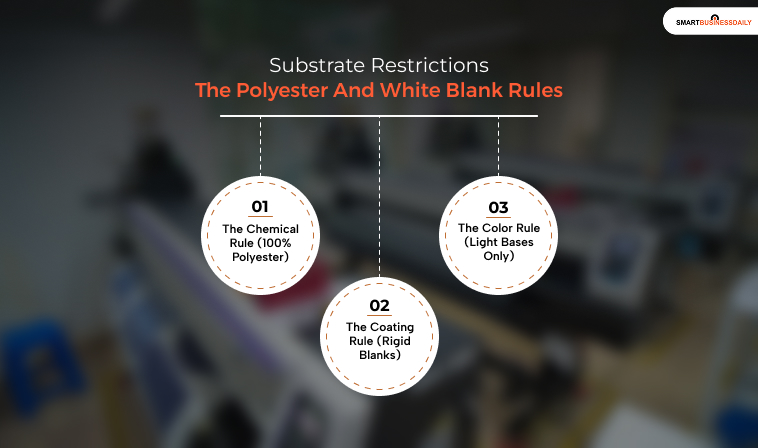
A sublimation printer is highly versatile, but it operates under strict material constraints:
1. The Chemical Rule (100% Polyester)
Sublimation gas cannot bond with natural fibers like organic cotton, silk, or raw leather.
It requires synthetic polymers to hold the dye.
While you can use cotton-poly blends, any cotton fibers in the weave will drop the ink during washing, causing a faded, vintage look.
2. The Coating Rule (Rigid Blanks)
To sublimate hard goods like stainless steel tumblers, glass plaques, or ceramic ornaments, you must buy specialized blanks pre-treated with an industrial polyester clear coat.
Attempting to print on an untreated retail store item will fail completely.
3. The Color Rule (Light Bases Only)
Sublimation inks do not feature a white channel. Because the dye is transparent, it blends directly with the color of your background material.
For example, printing blue ink onto a yellow shirt creates a green graphic.
Consequently, you must stick to white or light-colored blanks to preserve design accuracy.
Advanced Rip Micro-Adjustments: Managing Outgassing And Ghosting
Achieving clean production runs requires adjusting software and mechanical pressing parameters to avoid common printing defects:
Eliminating Image Ghosting
If a transfer sheet shifts even slightly while hot, the remaining gas will create a secondary, blurry echo outline around your graphic.
Operators prevent this by locking transfer paper tightly against substrates using high-temperature, heat-resistant tape or specialized tacky transfer stocks.
Preventing Moisture Outgassing
If moisture gets trapped inside raw polyester fabric during a press cycle, it instantly flash-boils into steam, displacing the sublimation gas and causing uneven, splotchy color patches.
In addition, a lot of people are confused about what does collate mean when printing. For that, the attached guide suffices.
To prevent this, always pre-press apparel blanks for 5 to 10 seconds to purge local moisture before introducing the transfer paper.
What Is A Sublimination Printer And Its Functionality Explained
A sublimation printer is an indispensable asset for custom apparel lines, personalized gifting studios, and large-scale textile manufacturing operations.
By vaporizing solid dye into a reactive gas, it creates vibrant, durable graphics that bond directly with the underlying material.
For budget-conscious beginners, converted tank setups offer an accessible entry point into merchandise decoration.
However, for growing enterprises that demand strict color consistency and high-speed workflows, purpose-built wide-format systems provide the turnkey reliability needed to optimize production margins.




Related Articles