








Image Search Techniques: How To Find Any Image Online Fast
30 March 2026
7 Mins Read

- What Are Image Search Techniques?
- What Are The Different Image Search Techniques?
- 1. Keyword-based Image Search:
- 2. Reverse Image Search:
- 3. Visual Similarity Search:
- 4. Pattern And Color-based Search:
- 5. Facial And Object Recognition Search:
- Where Can You Implement These Techniques?
- What Are The Top 5 Tools That Work Best For Image Search Techniques?
- 1. Google Images
- 2.TinEye
- 3. Bing Visual Search
- 4. Pinterest
- 5. Shutterstock
- What Are The Common Image Search Techniques That You Should Avoid?
- The Overall Functions Of Image Search Techniques Explained
I have been in the digital marketing industry for almost ten years.
I have literally witnessed the gradual yet consistent increase in the value of visual content.
You can almost say that the visually striking images are now a key way to communicate online.
I see them everywhere, from social media to online shopping. And I do agree that visuals help users:
- Learn
- Interact
- Make Decisions Quickly
In today’s fast-paced internet world, finding images quickly is very important.
This is why image search techniques are essential.
Now I can just search for images instead of just relying on text.
Whether you are a marketer, student, or photographer, I would suggest that you know how to use image search techniques.
I swear it can immensely improve accuracy and save time. In fact, you will also get some help with decision-making.
This guide will explain what image search techniques are, how they work, the tools available today, and how to use these techniques in real-life situations.
What Are Image Search Techniques?
Image search is a way for users to find pictures related to an item, place, or visual concept.
Users can input keywords or upload a photo to get similar images.
The search engine analyzes the provided image and shares similar or exact matches.
Image search is helpful when there is confusion about images.
For example, you can use it to find the original creator of a photo, identify where an image appears online, or check if an image has been edited.
This method is important in areas like digital marketing, journalism, user-generated content, and eCommerce, where visual context and authenticity matter.
Image search has evolved from using basic keywords to incorporating machine learning.
It now understands the context, layout, and details of images better.
The process of searching for images is faster and smarter, and it applies to many different fields.
What Are The Different Image Search Techniques?
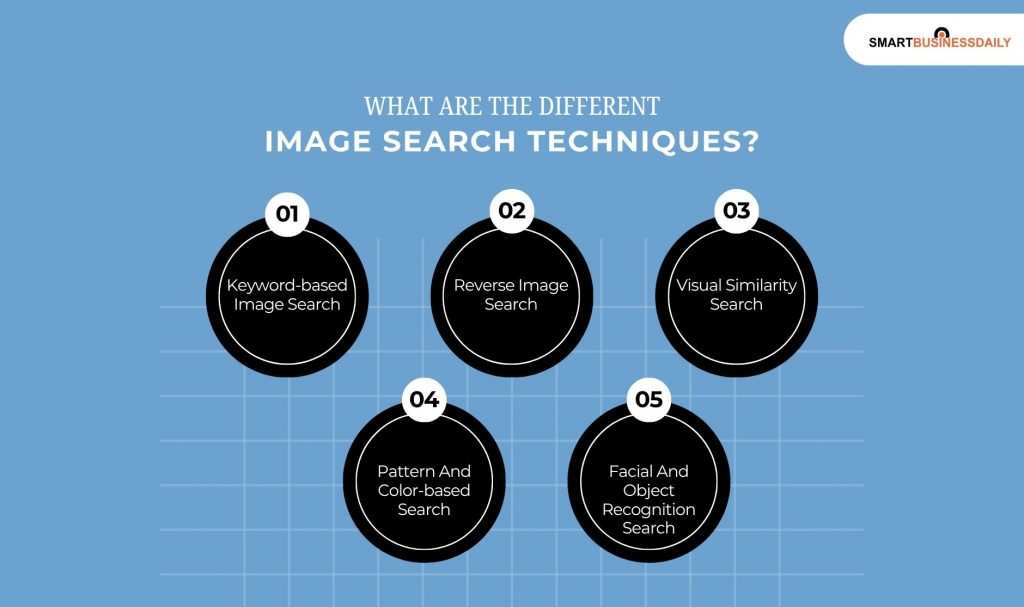
Different image search techniques serve various goals, and understanding each can help users navigate the technology. Here are the main types:
1. Keyword-based Image Search:
This is the easiest method for most users. You simply enter descriptive words into a search engine, and it returns related images.
This approach relies on the metadata linked to each image, like captions, titles, and alt text.
Keyword searches are great for finding general images, such as business icons, natural scenes, or promotional pictures.
For example, searching for “sunset over mountains” will yield many images that match the description.
This method works best for everyday use when you can clearly describe what you want.
2. Reverse Image Search:
In this method, you upload an image instead of typing a search.
The search engine’s goal is to find images that match or resemble the one you provided, wherever they appear on the internet.
This is useful for confirming authenticity, spotting plagiarism, or finding the source of an image.
If a photo has been copied or misused, reverse search will show where else it can be found online.
It can also help identify altered images or fake news through different versions of the same photo.
3. Visual Similarity Search:
This method focuses on finding images that look similar rather than exact matches.
It finds pictures with similar textures, layouts, or patterns.
This is particularly helpful in industries like interior design, fashion, and e-commerce, where visual appeal matters.
For example, if you see a piece of furniture or clothing you like, visual similarity search can help you find similar items that share the same color or pattern.
It connects users with inspiration and discovery.
4. Pattern And Color-based Search:
This approach emphasizes searching based on patterns and color schemes.
It is commonly used by advertisers and designers. In fact, if you are a brand manager, you can also use it to maintain consistent quality.
Now, let’s say you’re running a campaign with specific colors. Then, this method helps you find images that match your color palette.
Additionally, I have seen many design platforms and search engines feature color filters.
They do this to aid in matching tones and gradients. Therefore, this makes it useful in creative fields where visual consistency is key.
5. Facial And Object Recognition Search:
Facial and object recognition technology boosts the accuracy of image searches.
Additionally, these systems can identify
- Logos
- Faces
- Objects
In fact, I was so surprised when I found out that it even recognises your handwriting in pictures.
If you work in media organizations, I am sure you will find this very useful.
Additionally, I also believe that this platform will be very useful for you, even if you work in law enforcement and social media platforms.
Also, I would like to mention that the object detection feature can identify
- Animals
- Vehicles
- Household Items
These advancements make searches more detailed and dynamic than ever.
Where Can You Implement These Techniques?
When you want to carry out your quest for a perfect image successfully, you must know what technique to use in which situation.
Otherwise, you will never be able to get it right.
Therefore, I will be listing all the situations and what technique you should use in each one of these. Here you go:
- When you are going for a general overview, I would suggest that you go with the Keyword-based search.
Also, you can use it when you require some concept visuals.
- Then, I would advise you to choose the Reverse Image Search method if your goal is to locate the image searches, get a few copies, or just verify the authenticity.
- Now, let’s say your priorities are style and aesthetics. Then, without a doubt, I would recommend the Visual Similarity Search.
- In addition, if you want to bring and maintain a sense of brand identity or visual consistency, the Pattern and Colour-based search is your best friend.
- Finally, if you wish to work on media analysis, law enforcement, or identification, I would recommend you go for facial and object recognition search.
What Are The Top 5 Tools That Work Best For Image Search Techniques?
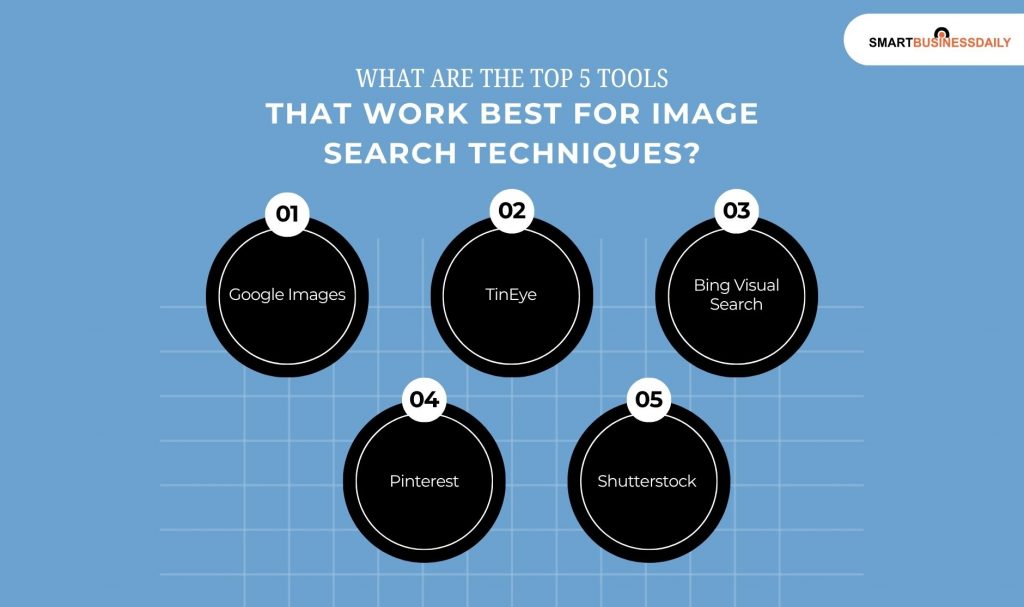
When you are down to work with these tools, you will know that the image search techniques are nothing but a series of strategies.
Additionally, I would like to mention that these tools make the process 10x easier. So, let’s go for it:
1. Google Images
I just had to mention it first.
This has always been a go-to. I would always use this whenever I need images for a school project, a greeting card, and so on.
Google’s smart algorithms and large databases provide accurate search results most of the time.
Users can copy and paste a link, upload an image, or type a few words in the search bar.
Google’s visual recognition system finds the closest matches to your keywords and offers suggestions.
It is reliable and quick, making it suitable for both professional and personal needs.
2.TinEye
It is a great tool for reverse image searches. Additionally, it can find duplicates even if the images are altered.
Photographers, journalists, and brands use it to check if their visuals are used without permission.
In addition, I would like to mention that TinEye has a large image database.
Therefore, I can find pictures that have been resized or edited. So, I am getting help to confirm image authenticity.
Also, I don’t have to resolve copyright issues.
3. Bing Visual Search
This makes searching more enjoyable. I just have to highlight a part of a picture.
Then, the system will find similar objects or images.
I have seen that this feature is popular with online shoppers looking for matching items.
Additionally, Bing’s image search works within Microsoft Edge. Therefore, I can use it for quick lookups without switching tabs.
4. Pinterest
It is a key tool for artists and those seeking visual inspiration. I can upload a picture and find similar images.
Trust me, guys, if I start to gush about Pinterest, I would need atleast 3-4 articles more!
I use it whenever I need inspiration for fashion and home decor. In fact, I also use it to find new ideas about recipes.
Also, I really like the Pinterest Lens as it offers trendy and relevant results.
This is also a great tool for all the lifestyle enthusiasts and content creators.
They can use this tool to turn their everyday images into fresh sources of inspiration.
5. Shutterstock
It is more than just a stock photo platform. It also has a strong reverse search feature for registered users.
This feature helps creators protect their original work from unauthorized use. For photographers and companies,
Shutterstock supports monitoring how and where licensed images are used online.
It ensures intellectual property protection while promoting responsible image use.
What Are The Common Image Search Techniques That You Should Avoid?
I always maintain these three practices whenever I am using any of these image search techniques.
So, I would suggest that you follow these as well. This makes your process even smoother:
- Firstly, I would never use low-quality images as references. This will confuse the search engines.
- Secondly, I would also ensure that I check all the rights and logos attached to the pictures.
- Finally, I don’t over-rely on these search engines. Then, my creativity doesn’t get hampered, and I get more accurate images.
The Overall Functions Of Image Search Techniques Explained
Image search techniques have changed how we interact with visual content online.
There are different methods, from simple keyword searches for casual browsing to advanced facial recognition.
Each method serves specific purposes for various industries.
Tools like LensGo AI, Google Images, and TinEye provide effective and easy solutions for finding, verifying, and securing visual content.




Related Articles



Comments Are Closed For This Article