








Which Website Builder Is Best? Compare The Top Platforms For 2026
9 Mins Read
Published on: 09 September 2022
Last Updated on: 22 July 2026

- How We Chose The Best Website Builder?
- Website Builder Comparison At A Glance:
- What To Consider Before Choosing A Website Builder?
- The 8 BEST Website Builders To Try In 2026:
- 1. Design.com:
- 2. BrandCrowd:
- 3. Wix:
- 4. Squarespace:
- 5. GoDaddy:
- 6. Shopify:
- 7. Weebly:
- 8. Zyro:
- SEO And Performance Features To Look For
- Common Mistakes To Avoid When Choosing A Website Builder
- Which Website Builder Should You Choose?
- Frequently Asked Questions:
- 1. Which website builder is best for beginners?
- 2. Which website builder is best for SEO?
- 3. Can I switch website builders later?
- 4. Do I need coding knowledge to build a website?
- 5. Which website builder is best for e-commerce?
Building a website has never been easier, but choosing the right website builder has become more challenging than ever.
With dozens of platforms promising drag-and-drop editing, AI-powered design, built-in SEO, and e-commerce tools, it’s easy to feel overwhelmed by the options.
The reality is that the best website builder depends on what you want to achieve.
A freelancer creating a portfolio has very different needs than an entrepreneur launching an online store or a small business looking to generate leads.
Choosing the wrong platform can lead to unnecessary costs, limited customization, poor SEO performance, or even a complete website migration later.
That’s why it’s important to compare website builders based on more than just pricing or templates. Factors such as ease of use, design flexibility, AI capabilities, SEO features, e-commerce functionality, performance, scalability, and customer support all play a role in finding the right fit.
To help you make an informed decision, we’ve reviewed some of the best website builders in 2026.
Whether you’re creating your first website or upgrading an existing one, this guide compares the features, strengths, limitations, and ideal use cases of these platforms so you can choose a platform that supports your goals today and grows with your business tomorrow.
Stay tuned.
How We Chose The Best Website Builder?
There is no single website builder that works for everyone. The best choice depends on your goals, budget, technical skills, and the type of website you want to create.
Moreover, a platform that’s perfect for an online store may not be the best option for a photographer, blogger, or local business.
To create this list, we evaluated each website builder using several important criteria:
- Ease of use: Can beginners build a website without coding?
- Design flexibility: How much control do you have over layouts, fonts, colors, and branding?
- AI capabilities: Does the platform offer AI tools for website creation, content generation, or design assistance?
- SEO features: Can you customize page titles, meta descriptions, URLs, image alt text, and XML sitemaps?
- E-commerce functionality: Does it support online payments, inventory management, shipping, and product catalogs?
- Performance and reliability: Does the platform offer secure hosting, fast loading speeds, and dependable uptime?
- Pricing and value: Are the plans affordable, and do they provide good value for the features included?
- Integrations: Does it connect with marketing tools, analytics platforms, CRMs, and third-party applications?
- Customer support: Is help available when you need it through live chat, email, phone, or documentation?
Rather than focusing on a single feature, we considered the overall experience of building, managing, and growing a website over time.
Website Builder Comparison At A Glance:
Before diving into the detailed reviews, here’s a quick comparison to help you narrow down your options.
| Website Builder | Best For | Free Plan | AI Features | E-commerce | Ease of Use |
|---|---|---|---|---|---|
| Design.com | Small businesses, startups, personal brands | Yes | Excellent | Yes | Excellent |
| BrandCrowd | Branding and small business websites | Yes | Good | Yes | Excellent |
| Wix | Beginners and growing businesses | Yes | Excellent | Yes | Excellent |
| Squarespace | Portfolios, creative professionals, service businesses | Limited Trial | Good | Yes | Very Good |
| Shopify | Online stores and retail businesses | Trial | Good | Excellent | Very Good |
| GoDaddy | Fast website creation for small businesses | Trial | Good | Basic | Excellent |
| Weebly | Simple websites and blogs | Yes | Limited | Basic | Excellent |
| Zyro | Budget-friendly websites | No | Good | Yes | Very Good |
What To Consider Before Choosing A Website Builder?
Choosing a website builder isn’t just about attractive templates. The platform you select will influence how easily you can grow your website, attract visitors, and manage your business in the future.
Before making a decision, ask yourself these questions:
- What type of website am I building? A portfolio, blog, online store, business website, or booking platform may require different features.
- Will I sell products online? If so, prioritize platforms with strong e-commerce tools, secure payment processing, inventory management, and shipping integrations.
- How important is SEO? If organic traffic is part of your strategy, choose a builder that allows you to customize URLs, metadata, redirects, image alt text, and sitemaps.
- Do I need AI tools? AI-powered builders can speed up website creation, generate content, suggest layouts, and simplify branding.
- Can the platform grow with my business? Consider whether it supports additional pages, team members, memberships, and advanced marketing tools as your business expands.
- How easy is it to switch platforms later? Migrating a website isn’t always simple, so it’s worth choosing a platform that can meet your long-term needs.
Answering these questions before signing up can help you avoid switching website builders later – a process that often involves rebuilding pages, transferring content, and updating your SEO.
The 8 BEST Website Builders To Try In 2026:
When you start with a lovely template, it’s simple to personalize it. Take a look at some of the best website builders of 2026.
1. Design.com:
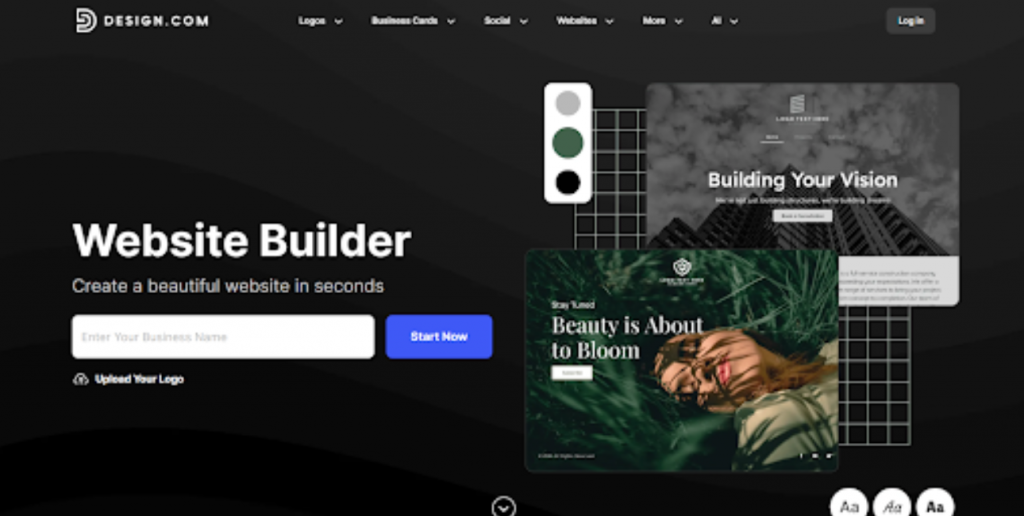
Best for: Startups, freelancers, and small businesses looking for an AI-powered website builder with integrated branding tools.
Design.com revolutionizes website creation through AI web design generation, delivering professional, responsive websites in seconds.
With intelligent website generation, customizable templates, and comprehensive brand design tools, Design.com is the best website builder that empowers businesses to build stunning online presences effortlessly, starting completely free.
In addition, every website is optimized for phone, tablet, and desktop, ensuring flawless performance across all devices.
Also, Design.com extends beyond web design – you can create consistent branding across social media, print, and digital with integrated design collateral tools.
2. BrandCrowd:
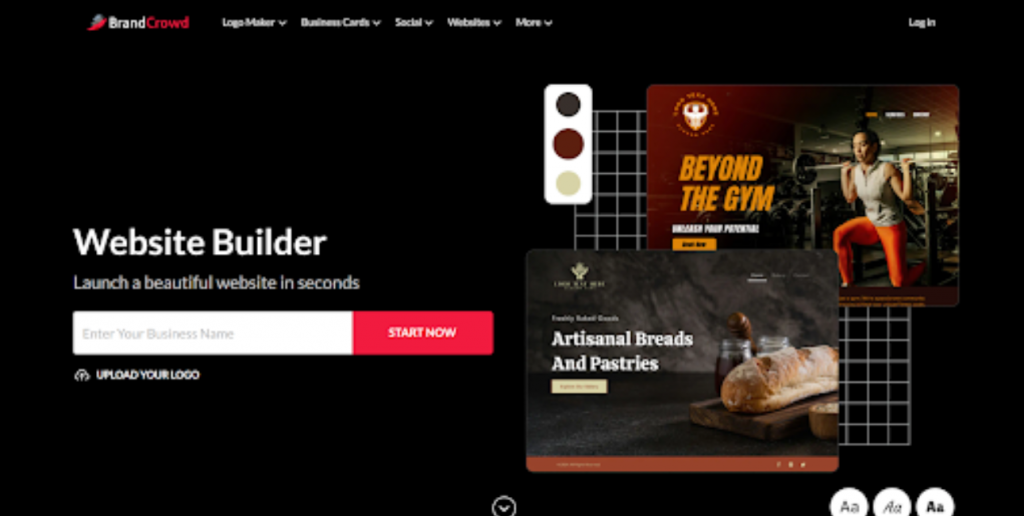
Best for: Entrepreneurs who want to build a website while maintaining consistent branding across logos, social media, and marketing materials.
BrandCrowd is a top website builder that unifies logo design, brand assets, and professional website creation in one intuitive platform.
With drag-and-drop editing, 100+ customizable templates, and free-to-use options, BrandCrowd empowers businesses to build cohesive brand identities and stunning websites without design expertise.
Also, BrandCrowd combines logo creation, brand asset design, and website building, ensuring complete brand consistency across your entire digital presence.
Additionally, every BrandCrowd website is mobile-optimized, delivering flawless experiences across phones, tablets, and desktops.
3. Wix:
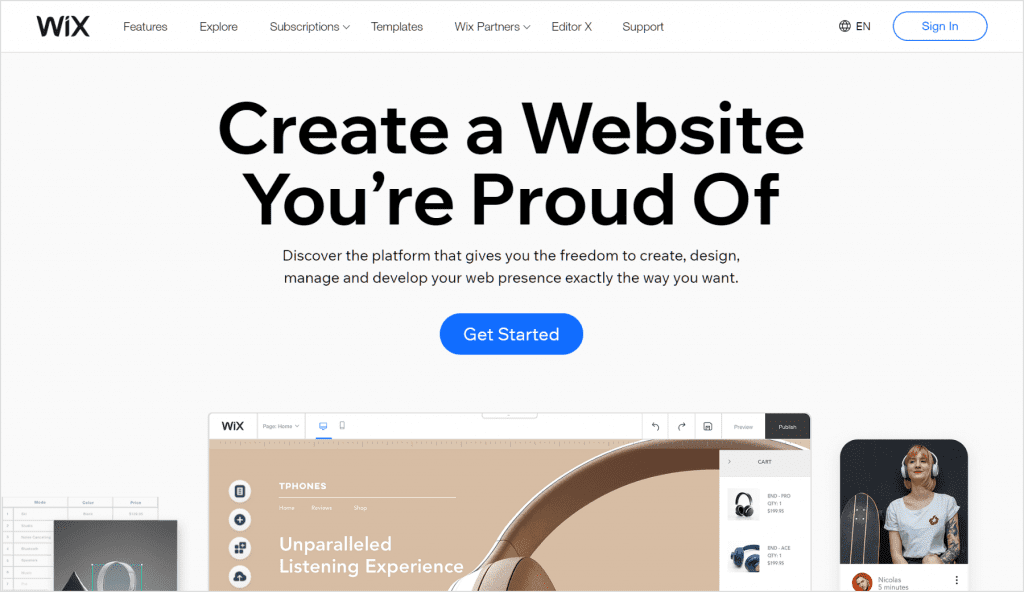
Best for: Beginners, local businesses, restaurants, service providers, and anyone who wants maximum design flexibility.
You may customize the design of your website using Wix, an easy-to-use and powerful website builder.
This builder provides a simple drag-and-drop editing interface. It also has a slew of essential features. To make things simpler, some builders compromise functionality or customization possibilities.
The Wix platform has been shown to be the finest approach to achieving anything. It’s an excellent tool for everyone who wants to create a website, particularly those who want to sell items online.
It offers three e-commerce-focused pricing tiers and a variety of features to help you increase the number of people who purchase from your website and the number who visit it.
There are one free and eight premium plans, the most affordable of which is $16 per month. In addition, you may choose from over 800 stunning pre-made themes, but you cannot modify the appearance of your site once it is life.
4. Squarespace:
Best for: Photographers, designers, artists, agencies, consultants, and creative professionals.
Squarespace is a contemporary website platform that provides several advantages to its customers, whether businesses or individual artists, as they develop and maintain their websites.
Even though it requires more time and practice to master than Wix, Squarespace is not the most difficult method to create a website.
Squarespace is more than just a lovely face; it’s also a robust platform that offers a variety of tools to help you create a dependable website.
In addition, Squarespace’s website templates are among the finest in the industry. Squarespace features some of the most professional-looking themes.
With the same amount of attention placed on its design, the platform looks as wonderful as it operates. Squarespace’s appealing appearance is matched by its utility.
5. GoDaddy:
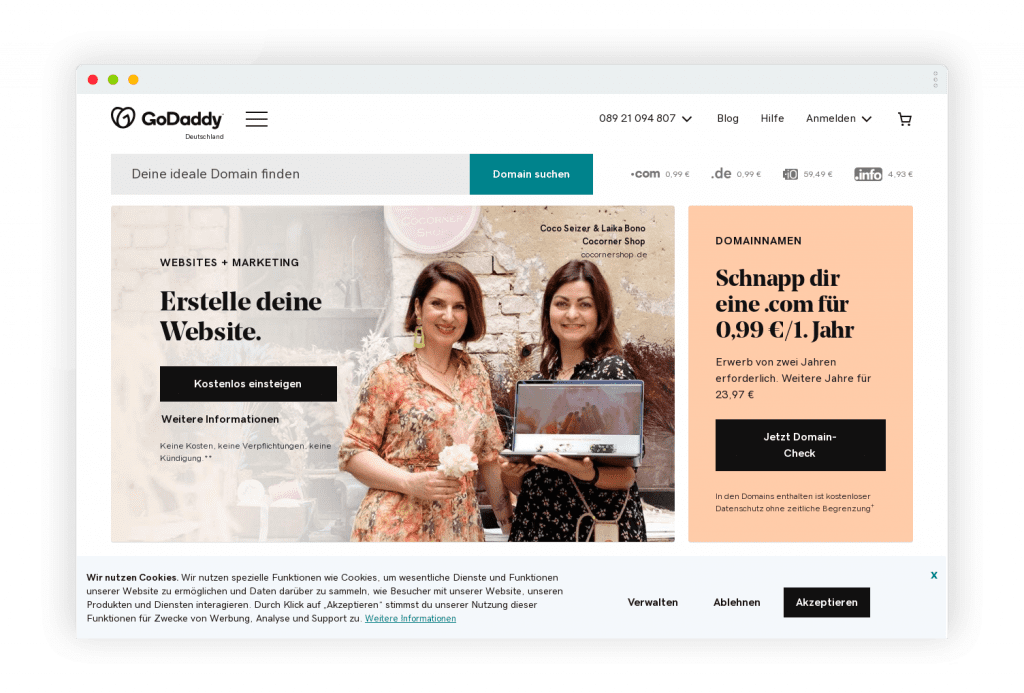
Best for: Small businesses that need to launch a professional website quickly with minimal setup.
If you want to create a website quickly and easily, GoDaddy is the finest option. It is the service for which GoDaddy is well-known.
GoDaddy will create a unique website for you depending on what you tell them, and you will be able to tweak it as much as you want in the future.
GoDaddy’s existing infrastructure makes this a viable option. If you follow these recommendations and look at the examples, you may find that creating a website takes less time and effort.
According to current statistics, GoDaddy’s overall performance has increased by 11.6% since the pre-2021 evaluations. These types of facts helped strengthen the argument for the idea.
6. Shopify:
Best for: Online stores, retail businesses, dropshipping, and businesses planning to scale their e-commerce operations.
If you want to generate money online, Shopify is the place to be. Since its inception in 2006, this framework has established the guidelines for developing e-commerce websites.
You will access various high-quality sales tools, allowing you to expand your online company in the most effective way.
And, to top it all off, it deserves its enormous success. Professionals have given Shopify a 4.5 out of 5 in this category because it can generate more sales than its rivals.
7. Weebly:
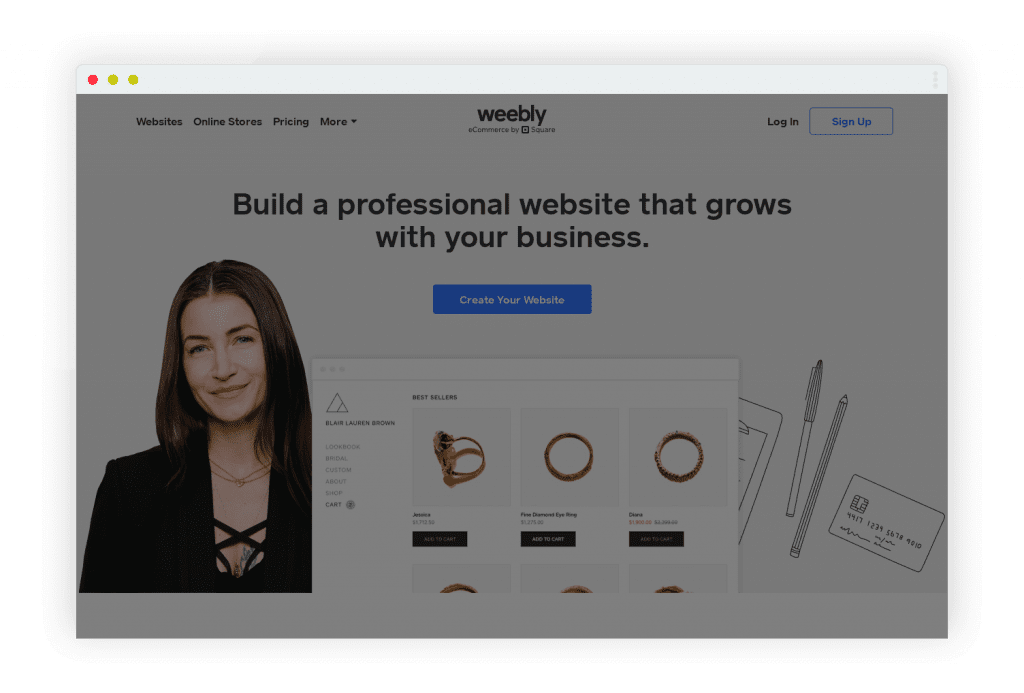
Best for: Simple websites, personal blogs, and small projects with basic requirements.
Despite its apparent simplicity, Weebly’s services are quite strong, particularly in blogging and e-commerce. This website builder is simple to use.
However, it falls short of competitors in terms of design flexibility or capabilities. Moreover, of all the website builders we looked at, Weebly’s overall ratings declined the most between 2020 and 2021.
8. Zyro:
Best for: Budget-conscious users who need an affordable website without advanced customization.
Zyro is a simple website editor with attractive and well-organized themes. It is less expensive than the choice we believe is ideal for constructing websites, but it lacks several capabilities.
Although it may not have as many customization options as other large builders, the ones it offers are excellent.
Zyro, for example, offers excellent blog integration, but it lacks essential blog management features such as search, archiving, and comments.
SEO And Performance Features To Look For
Your website builder should do more than help you design attractive pages – it should also make it easier for people to find your website through search engines.
As a result, while you are comparing platforms, look for SEO features such as:
- Custom page titles and meta descriptions
- Search-engine-friendly URLs
- Automatic XML sitemap generation
- Image alt text support
- 301 redirects
- Mobile-responsive templates
- Fast page loading speeds
- SSL security certificates
- Structured data support (where available)
Moreover, performance matters – a slow website can frustrate visitors, increase bounce rates, and reduce conversions.
So, choose a platform that provides reliable hosting, content delivery networks (CDNs), and optimized image handling to improve loading times across desktop and mobile devices.
Common Mistakes To Avoid When Choosing A Website Builder
Many people choose a website builder based solely on price or attractive templates. While those factors matter, they shouldn’t be the only considerations.
Here are some common mistakes to avoid:
- Choosing the cheapest option without considering long-term needs.
- Ignoring SEO capabilities.
- Selecting a platform that doesn’t support future growth.
- Paying for features you’ll never use.
- Overlooking customer support quality.
- Not checking whether you can easily migrate your website later.
- Failing to test the free version before purchasing a premium plan.
Taking a little extra time to compare platforms.
Which Website Builder Should You Choose?
Every website builder featured in this guide has its own strengths, and the right choice depends on what you want to achieve.
So, if you’re looking for an all-in-one AI-powered solution, Design.com offers an impressive combination of website creation, branding, and design tools.
Wix stands out for its flexibility and beginner-friendly experience, while Squarespace continues to be a favorite among creatives who value professionally designed templates. For businesses focused on online sales, Shopify remains one of the strongest e-commerce platforms available.
Before making your final decision, take advantage of free plans or trial periods whenever possible.
Moreover, testing a platform firsthand will give you a better understanding of its interface, customization options, and overall usability.
Choosing the right website builder today can save you time, reduce future migration challenges, and provide a stronger foundation as your website and business continue to grow.
Frequently Asked Questions:
1. Which website builder is best for beginners?
Wix, Design.com, and GoDaddy are among the easiest website builders for beginners because they offer intuitive editors, AI-assisted setup, and ready-made templates.
2. Which website builder is best for SEO?
Most modern website builders include essential SEO features, but platforms like Wix, Shopify, and Squarespace offer more advanced customization options for growing websites.
3. Can I switch website builders later?
Yes, but migrating a website often requires transferring content, redesigning pages, and updating SEO settings. Choosing the right platform from the beginning can save significant time and effort.
4. Do I need coding knowledge to build a website?
No. Most website builders are designed for users without technical experience and provide drag-and-drop editors, AI tools, and customizable templates.
5. Which website builder is best for e-commerce?
Shopify remains one of the strongest choices for dedicated online stores, while Wix, Squarespace, and Design.com also provide solid e-commerce features for small and medium-sized businesses.




Related Articles



Comments Are Closed For This Article